QuickBooks vs. Spreadsheets: Which is Right for Your Small Business?
If you’ve just started your business, this question has almost certainly crossed your mind:
Do I really need accounting software, or can I just keep using spreadsheets?
While spreadsheets are familiar and free, there is a reason most growing businesses eventually make the switch.
When Spreadsheets Work
Spreadsheets are perfectly reasonable for the beginning stage of a business:
- Sole Proprietors: If you have a handful of clients and no employees, a well-organized sheet can track income adequately.
- Low Transaction Volume: Ideal for businesses with a single revenue stream, such as a freelance writer or a weekend vendor.
- Personal Familiarity: If you genuinely enjoy building formulas and your transaction volume stays low.
Where They Break Down
The moment your business becomes even moderately complex, spreadsheets start creating serious problems:
- Manual Reconciliation: Every single transaction must be entered by hand and cross-referenced with bank statements.
- No Audit Trail: There is no automatic record of who edited a cell or when, which is a significant liability.
- Scaling Pain: What starts as a clean 12-tab workbook becomes an unmaintainable mess once you add inventory, payroll, or dozens of clients.
What QuickBooks Does Differently
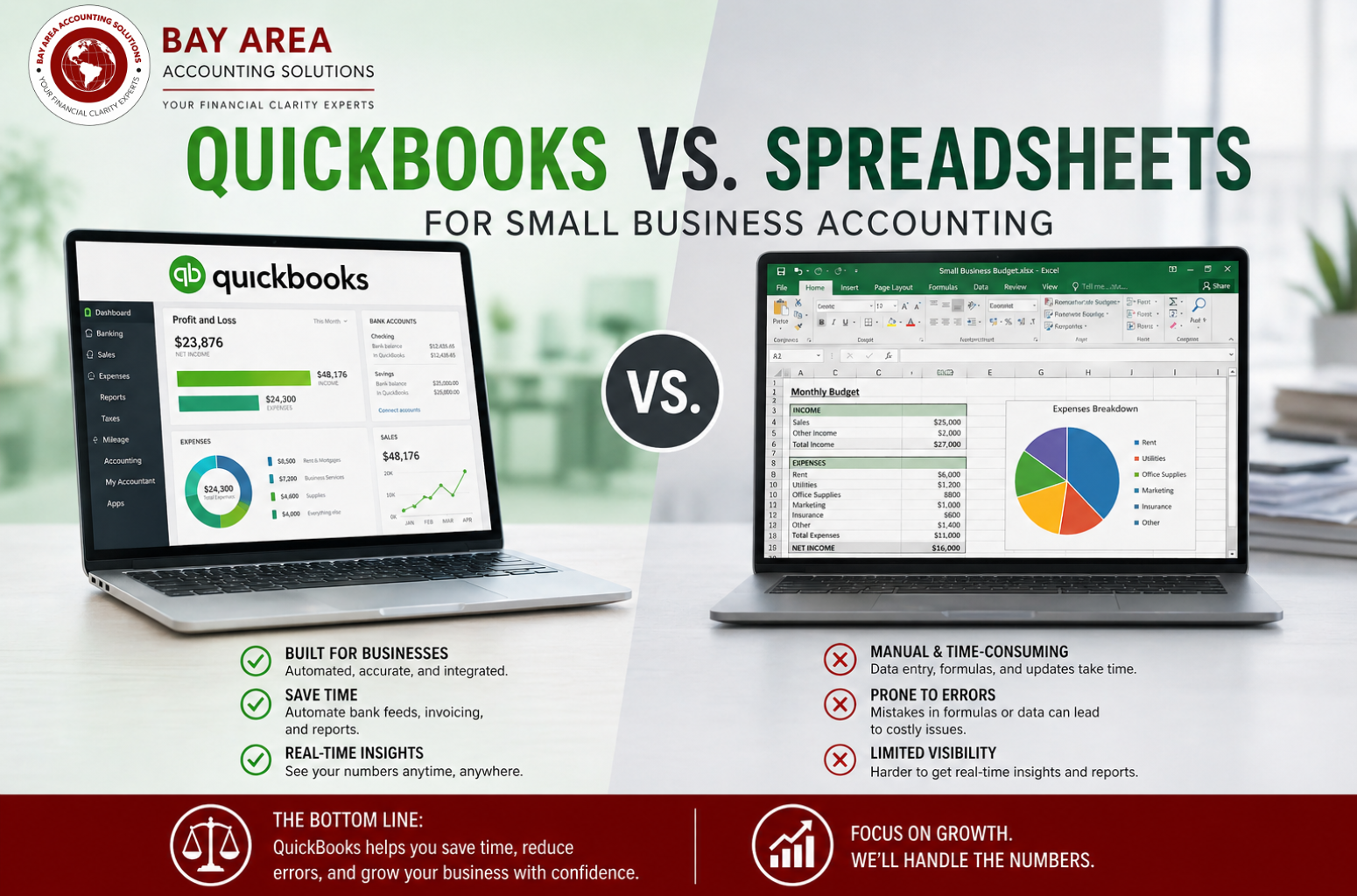
QuickBooks is built specifically for financial infrastructure, offering features spreadsheets cannot replicate:
- Automatic Bank Feeds: Transactions flow in automatically and can be categorized based on past patterns.
- Live Reporting: You can pull a profit & loss statement or balance sheet at any moment based on real-time data.
- Integrated Payroll: It handles California-specific payroll calculations and tax withholdings automatically.
Side-by-Side Comparison
Feature | Spreadsheets | QuickBooks |
Cost | Free | ~$30–$100/mo |
Bank Reconciliation | Manual | Automated |
Payroll | Not supported | Integrated |
Audit Trail | None | Full history |
Error Risk | High | Low |
Which Is Right for You?
Choose QuickBooks if: You have employees, more than 30 transactions a month, send professional invoices, or plan to apply for a business loan.
A spreadsheet may be enough if: You are in your first 3 months of business, have zero employees, and stay under 20 transactions per month.
If Your Books Are a Mess
Disorganized records compound over time. If your books are behind, the answer isn’t to patch a spreadsheet—it’s a professional bookkeeping cleanup. This ensures your records are reconciled against bank statements and ready for tax season.
The Real Cost of Waiting
Staying on spreadsheets too long carries hidden costs:
- Missed Deductions: Without proper categorization, you routinely miss legitimate tax write-offs.
- Cleanup Fees: Accountants charge significantly more to sort through a messy spreadsheet at year-end than they do to work from clean software.
- Penalty Exposure: Incorrect or late payroll filings can result in penalties totaling thousands of dollars.
The Bottom Line
For businesses navigating California’s complex regulatory environment, managing employees, and planning for growth, QuickBooks is almost always the smarter long-term choice.
Is your business reaching the point where spreadsheets are more of a headache than a help?